
Templates
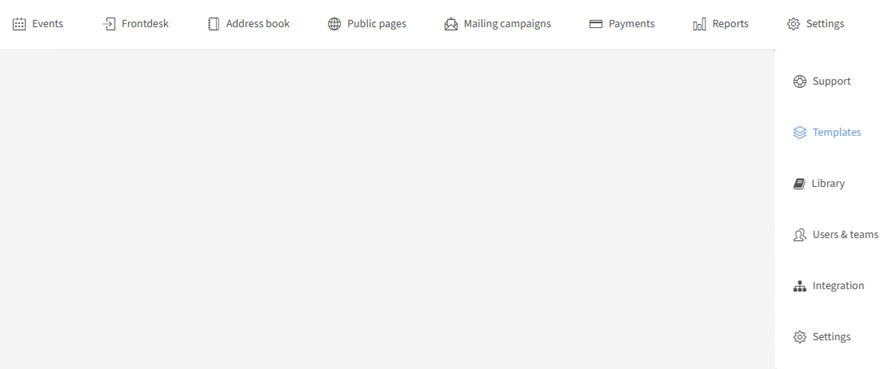
Design & Text templates. You can find "Templates" in the dropdown menu of the "Settings" tab. There are 3 types: Design templates (multiple designs for different branding across your relations), Footers (multiple footers for different branding), and Text templates (ready-made texts for new communications, needing only small adjustments).
On this page:
Design templates
Add new/edit a design template
If you have the "Advanced templates" feature, you get more design options than described here — see Advanced design templates below.
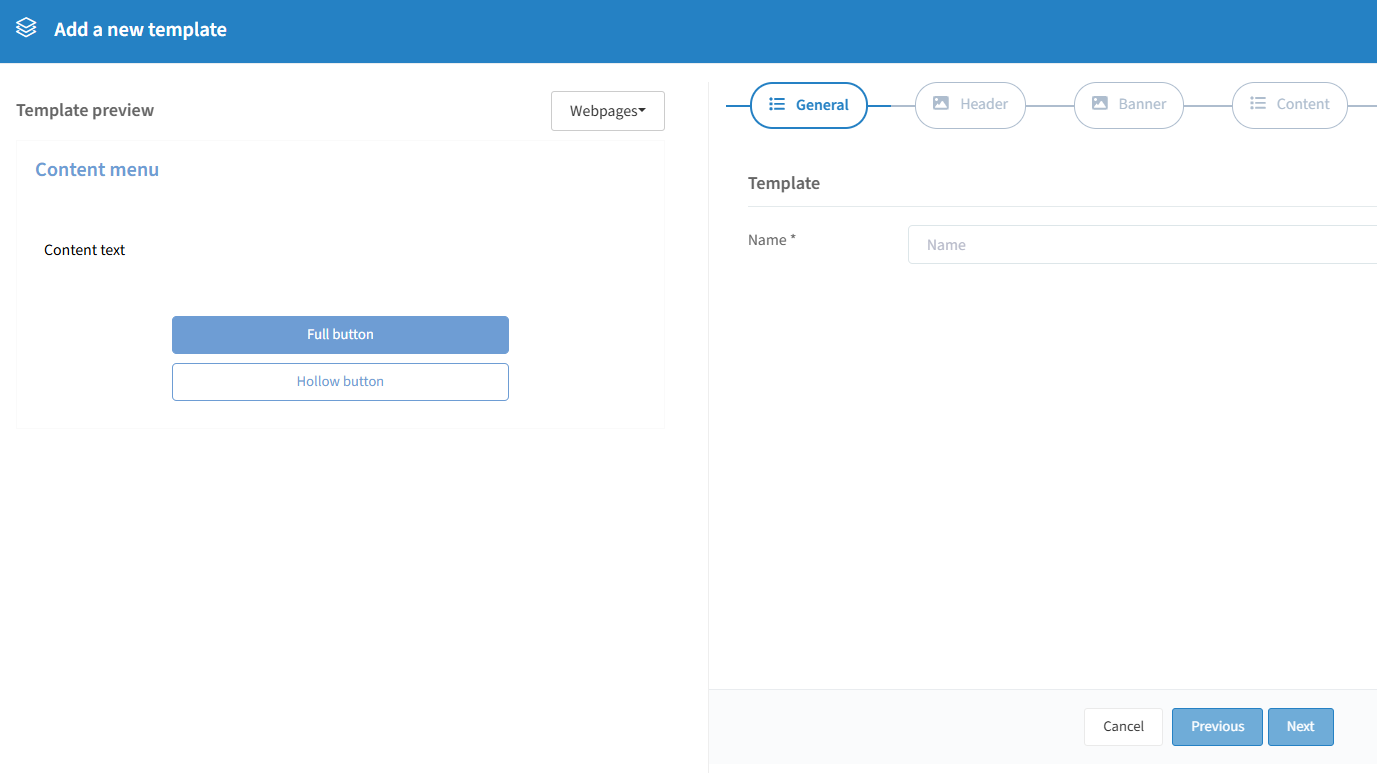
Click the "+" on the right-hand side to create a new one:


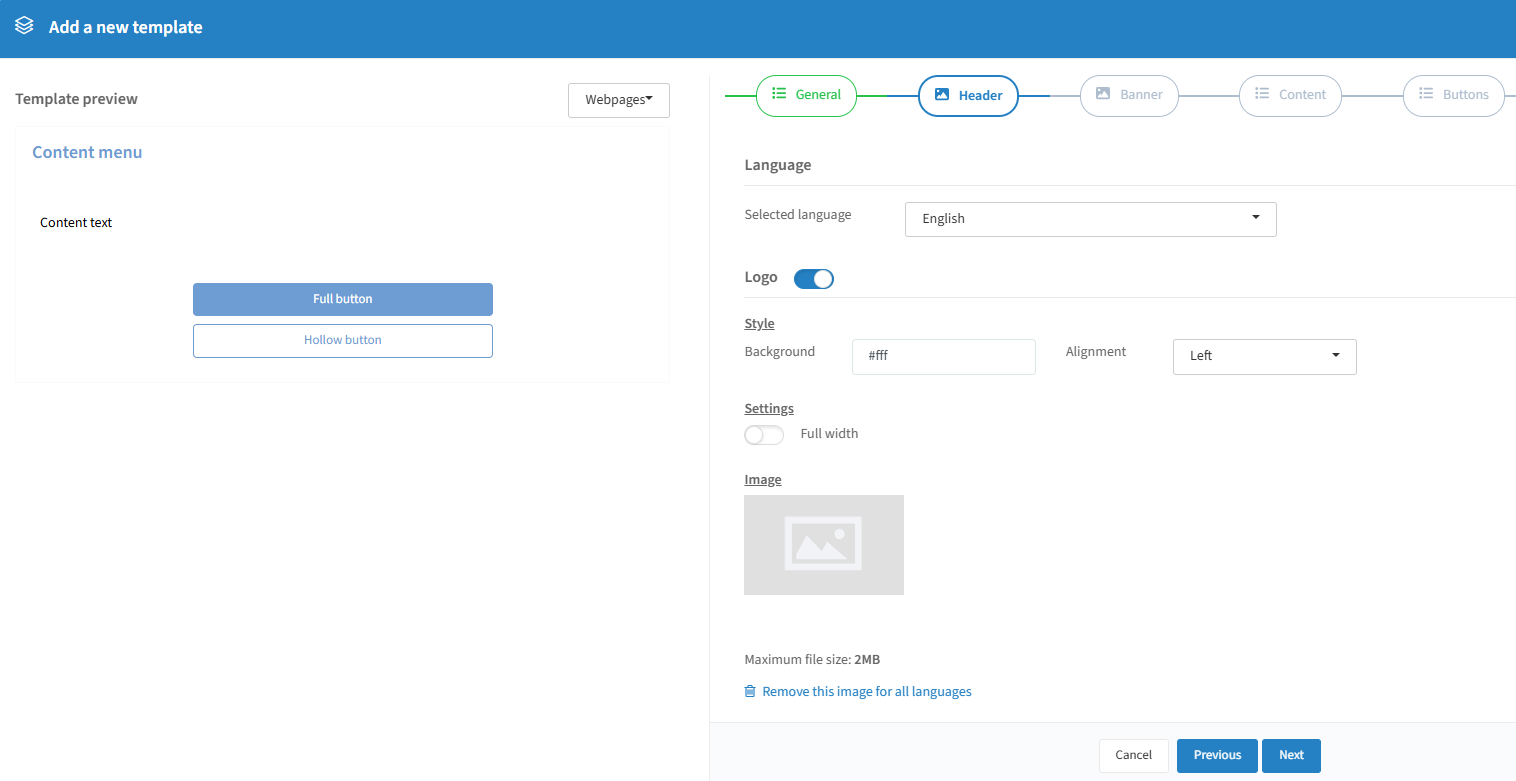
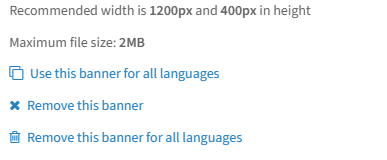
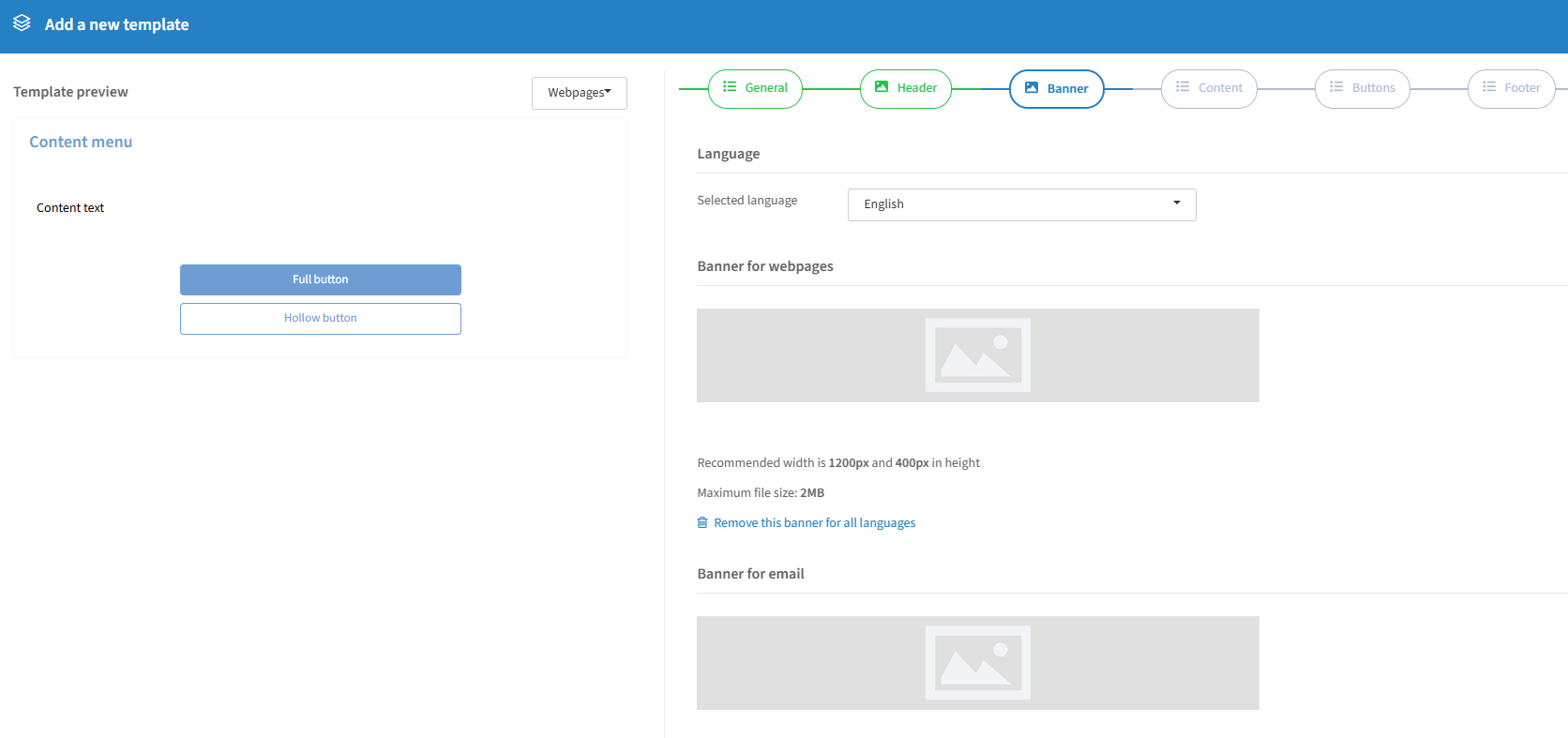
Upload a different banner per language or reuse the same image. This is the default banner for your communication and can be changed at event level (max 2MB, recommended 1200×400px).
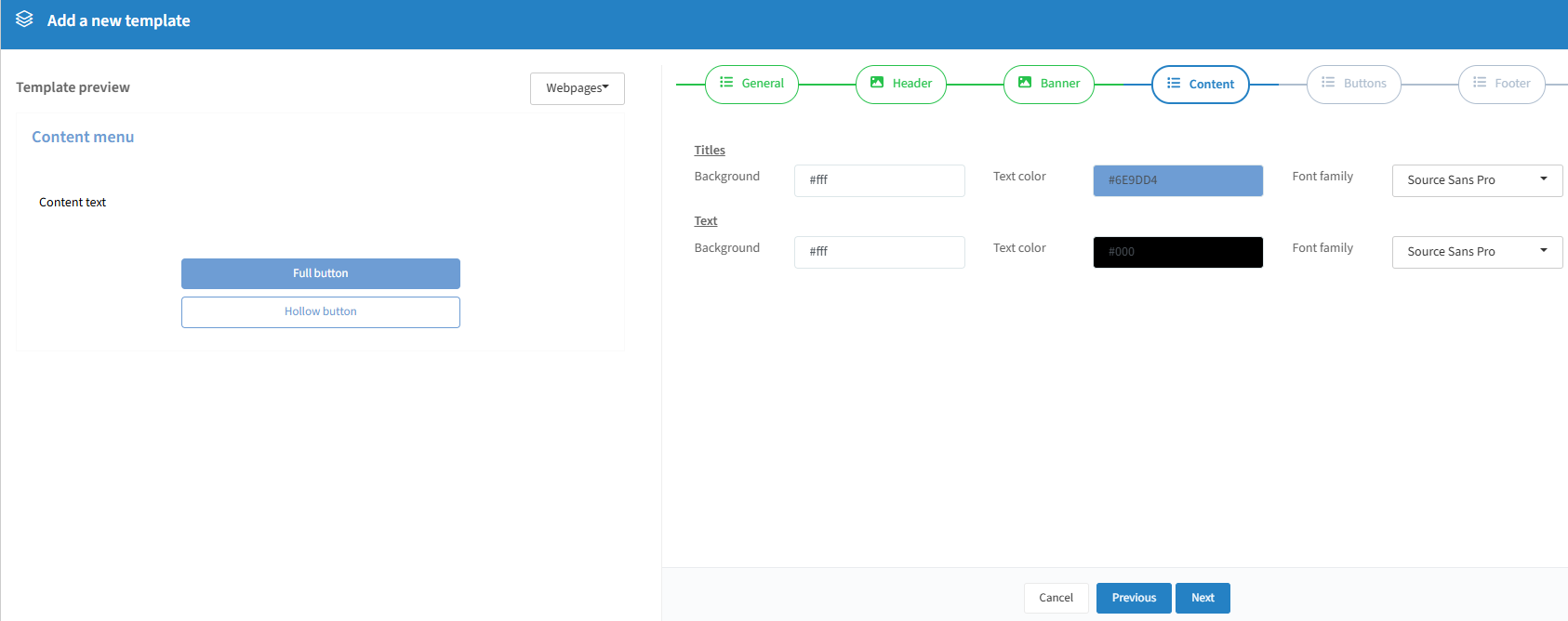
Choose background and text color for titles and body text, and a font family for both.
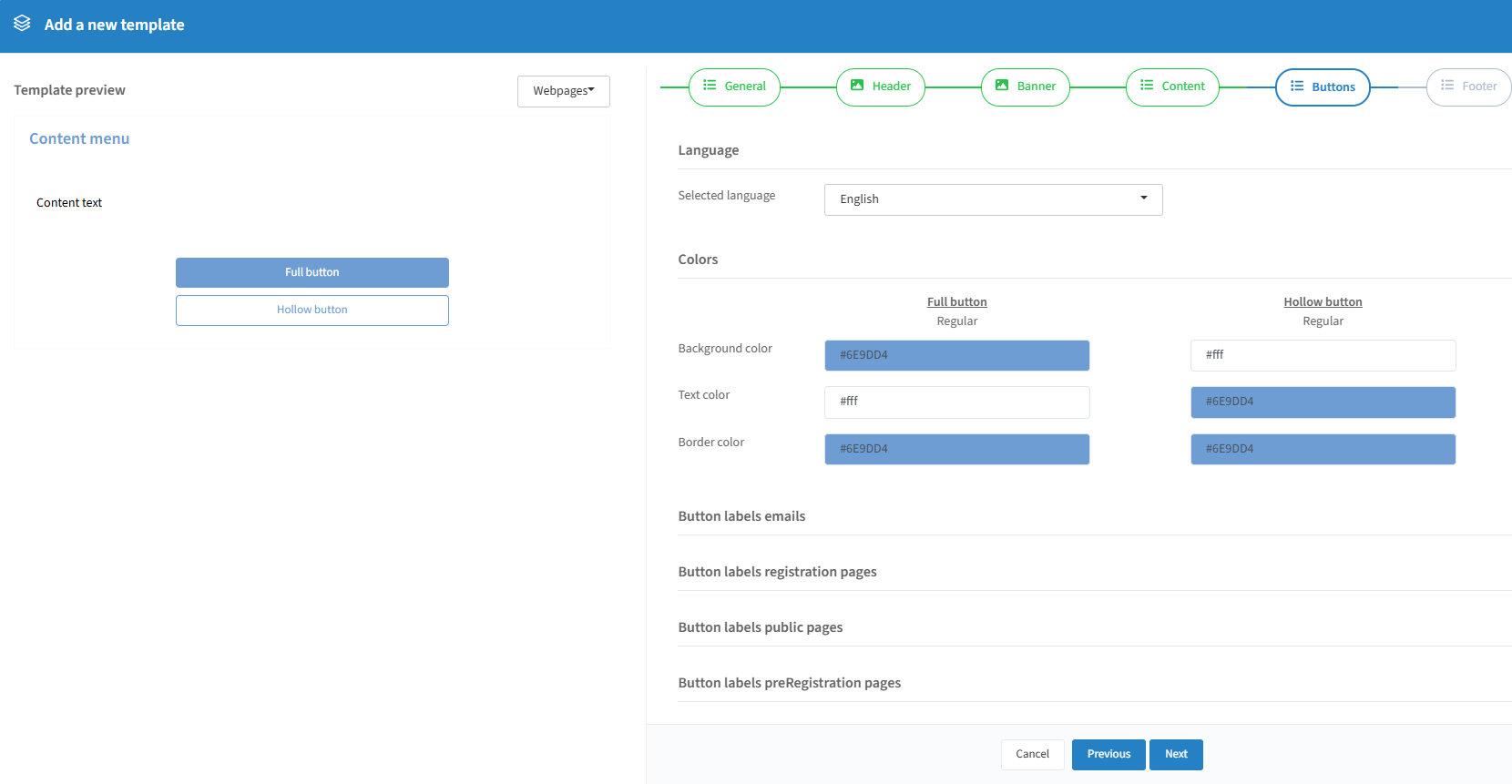
Change background, text, and border color, with separate designs for full and hollow buttons. Button label text can be customised per language — these changes apply to all events using this template.
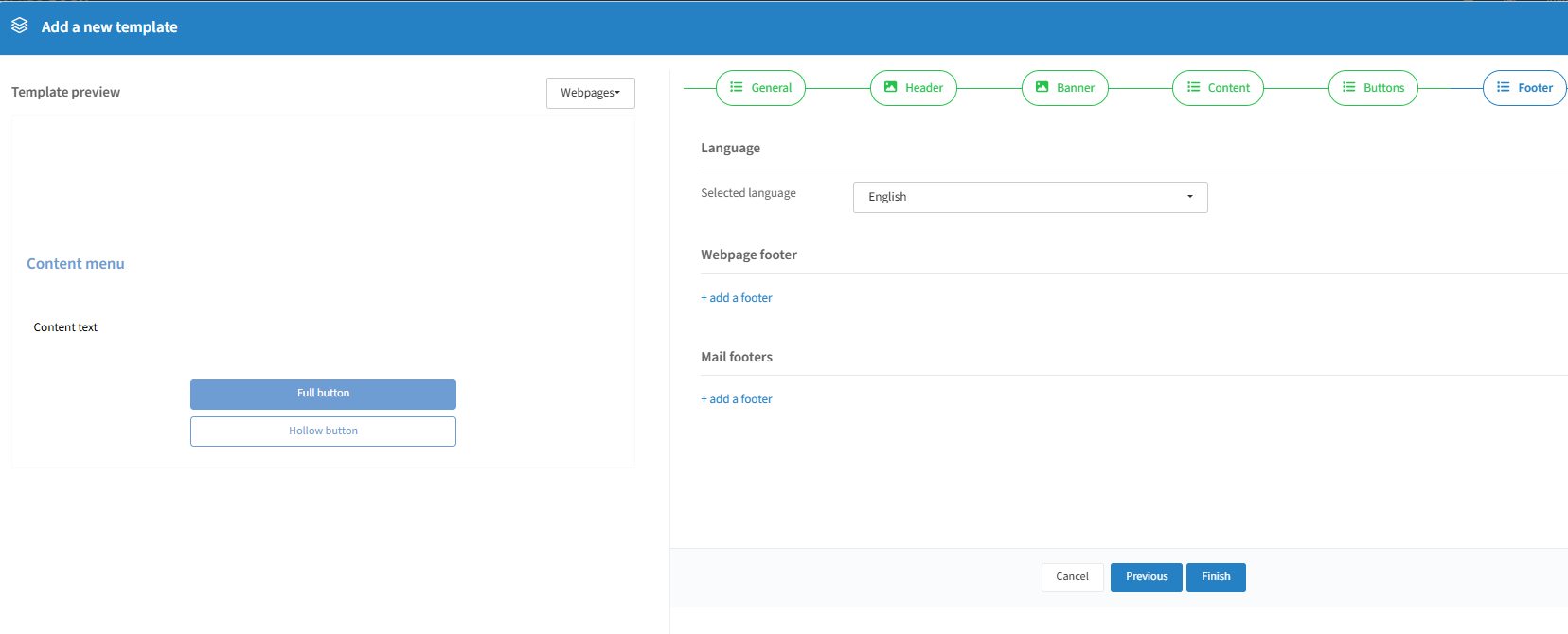
Add a different footer for webpages and emails, or the same one for both — create it first in the Footers tab (see below).
Click "Finish" to create the template — you can always edit it later. Tip: create a template for each of your languages; switch between language versions via the language selector.
Advanced design templates

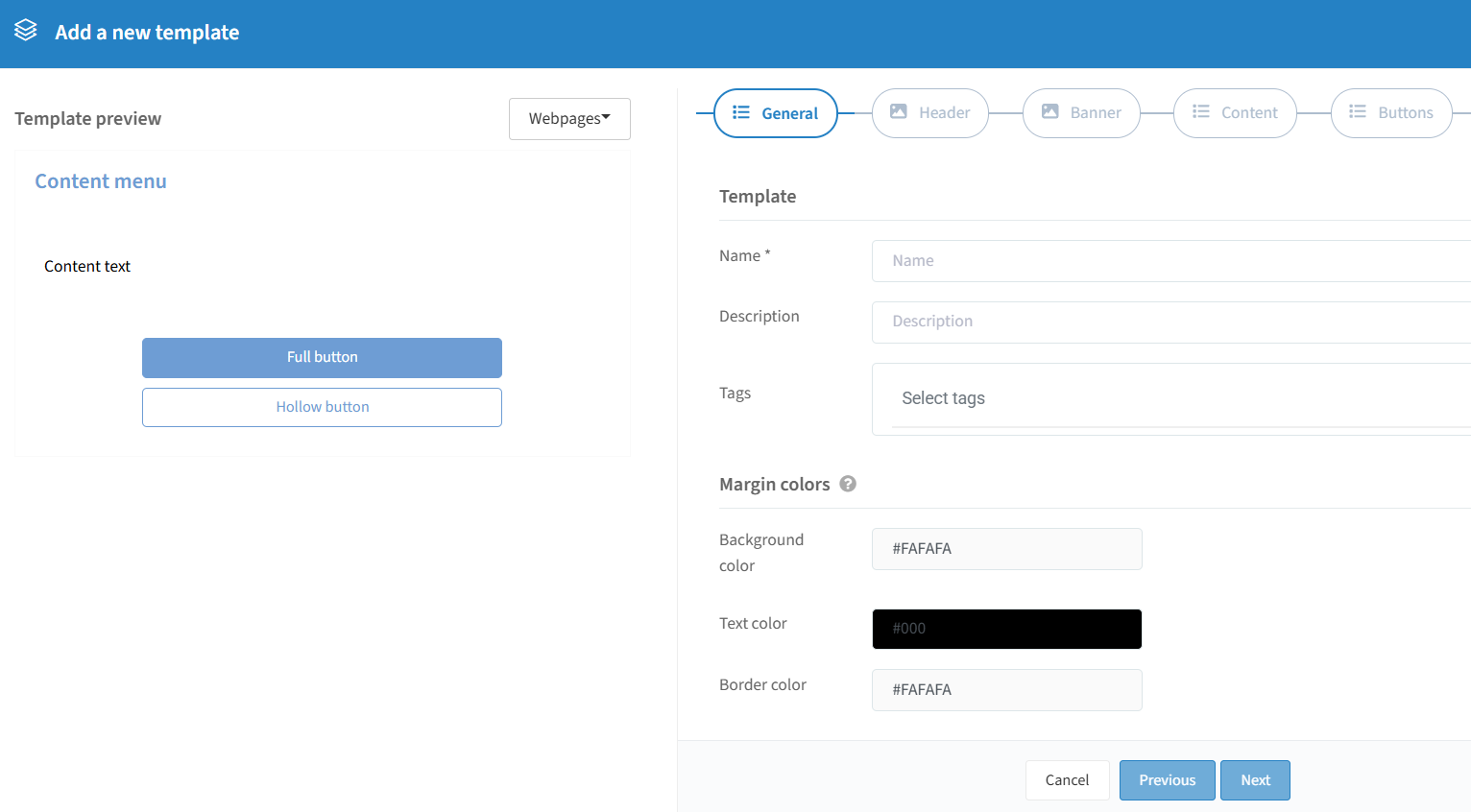

The max page width is 1,600px; larger screens show margins. Background color sets the margin color, text color sets any text in the margins (e.g. the "log out" link), and border color sets the divider line between page and margin. Colors can be set in Hex, RGB, or HSL.
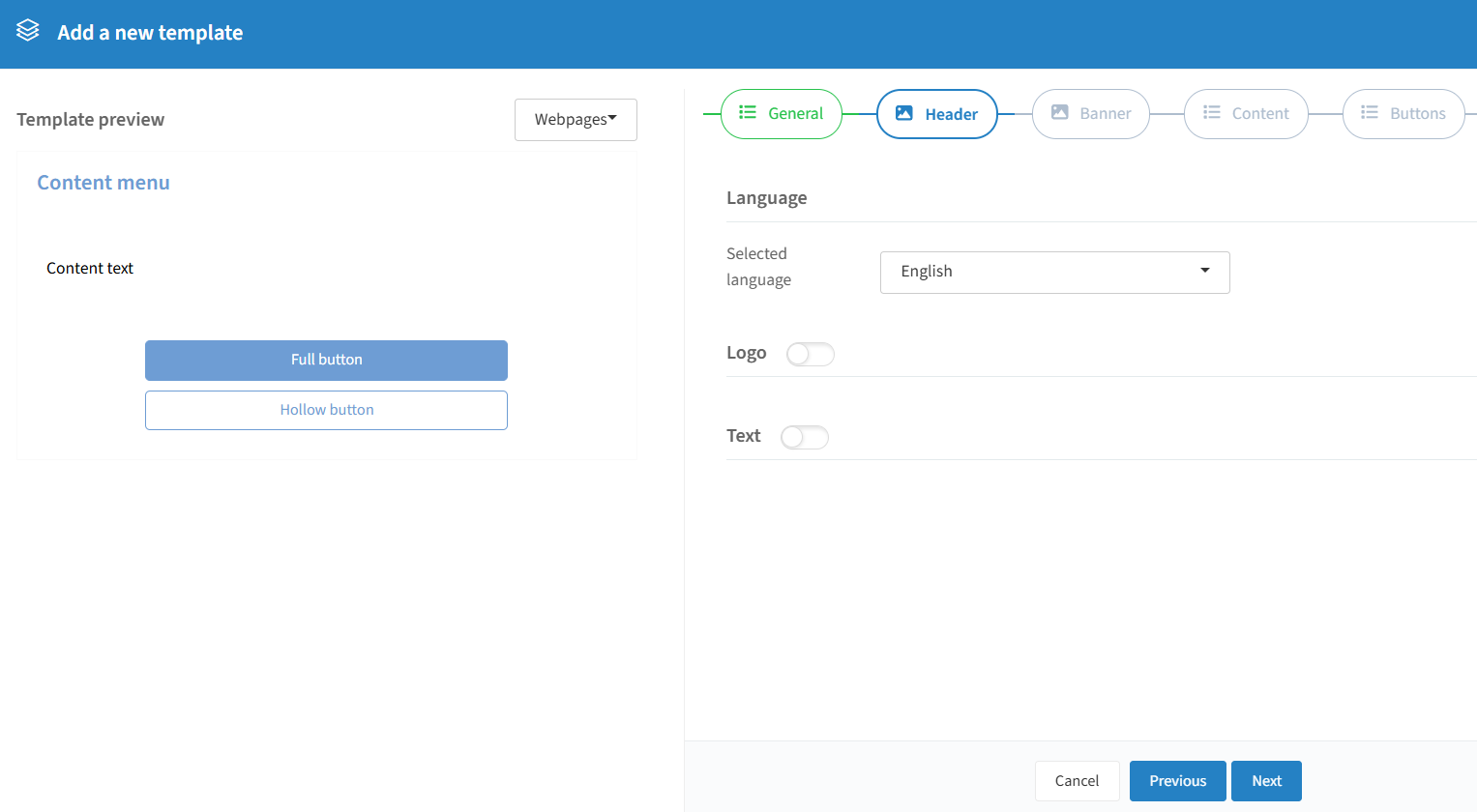
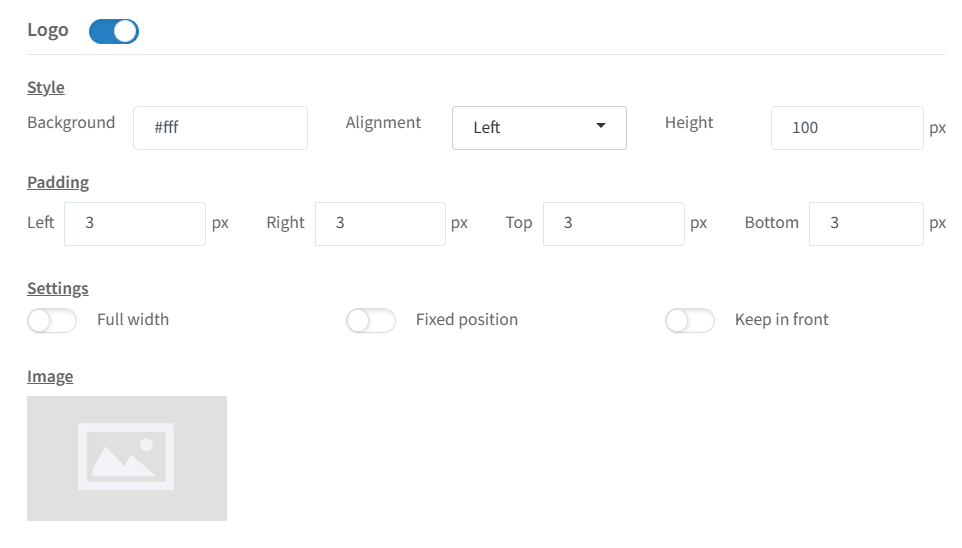
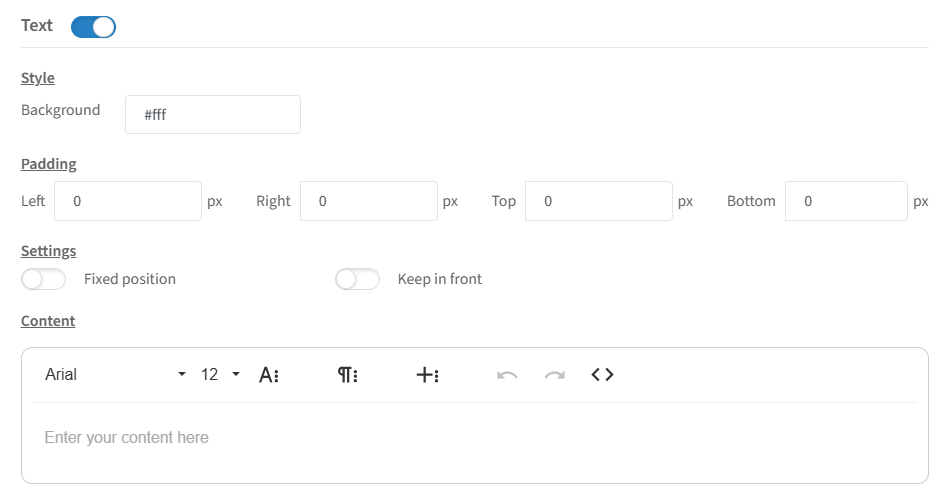
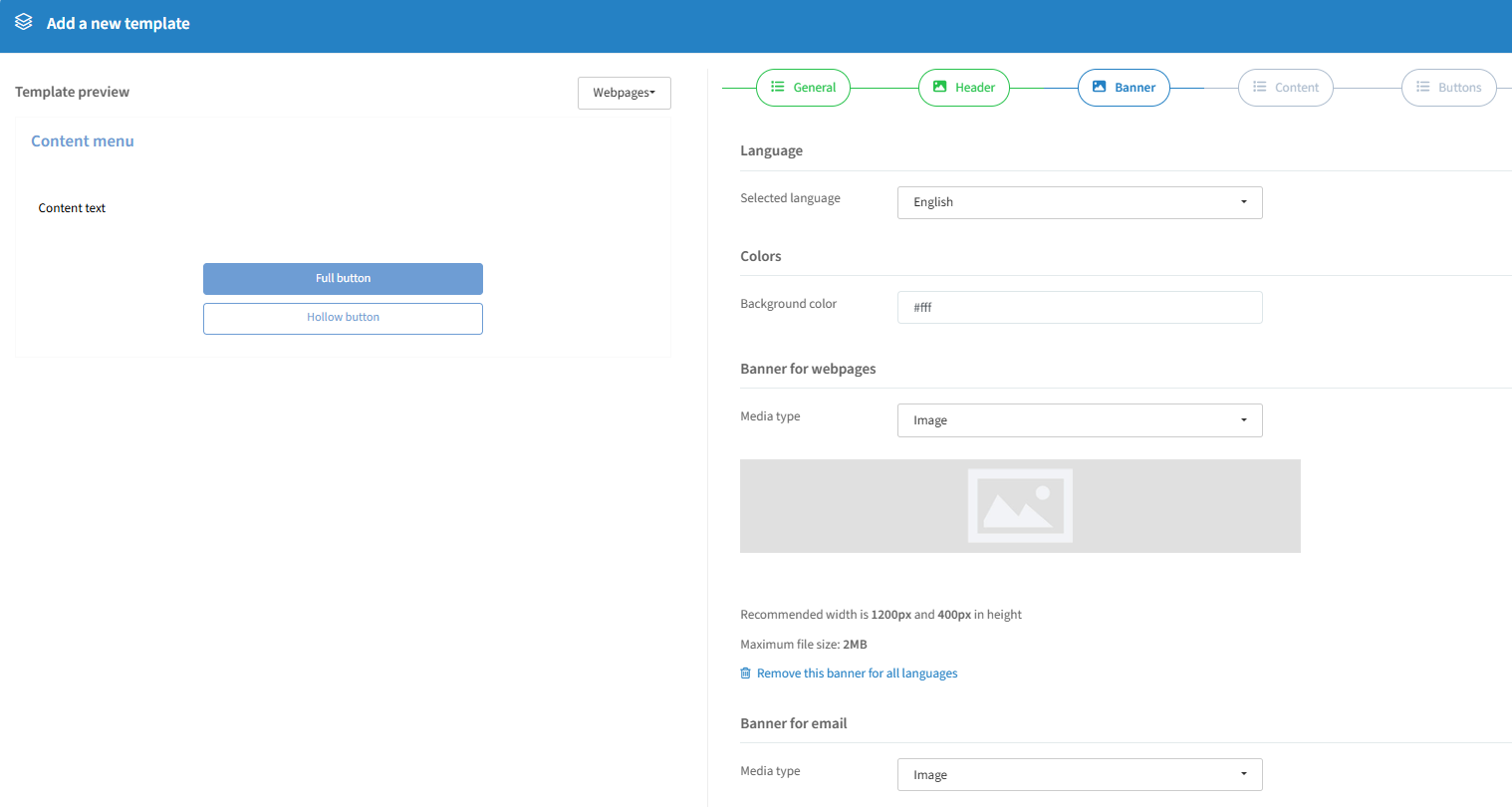
Upload a banner per language or reuse one, with a background color. Webpage banners can be an image, animated image, or video; email banners can be an image or animated image. Default for all communication, changeable at event level (max 2MB, recommended 1200×400px).
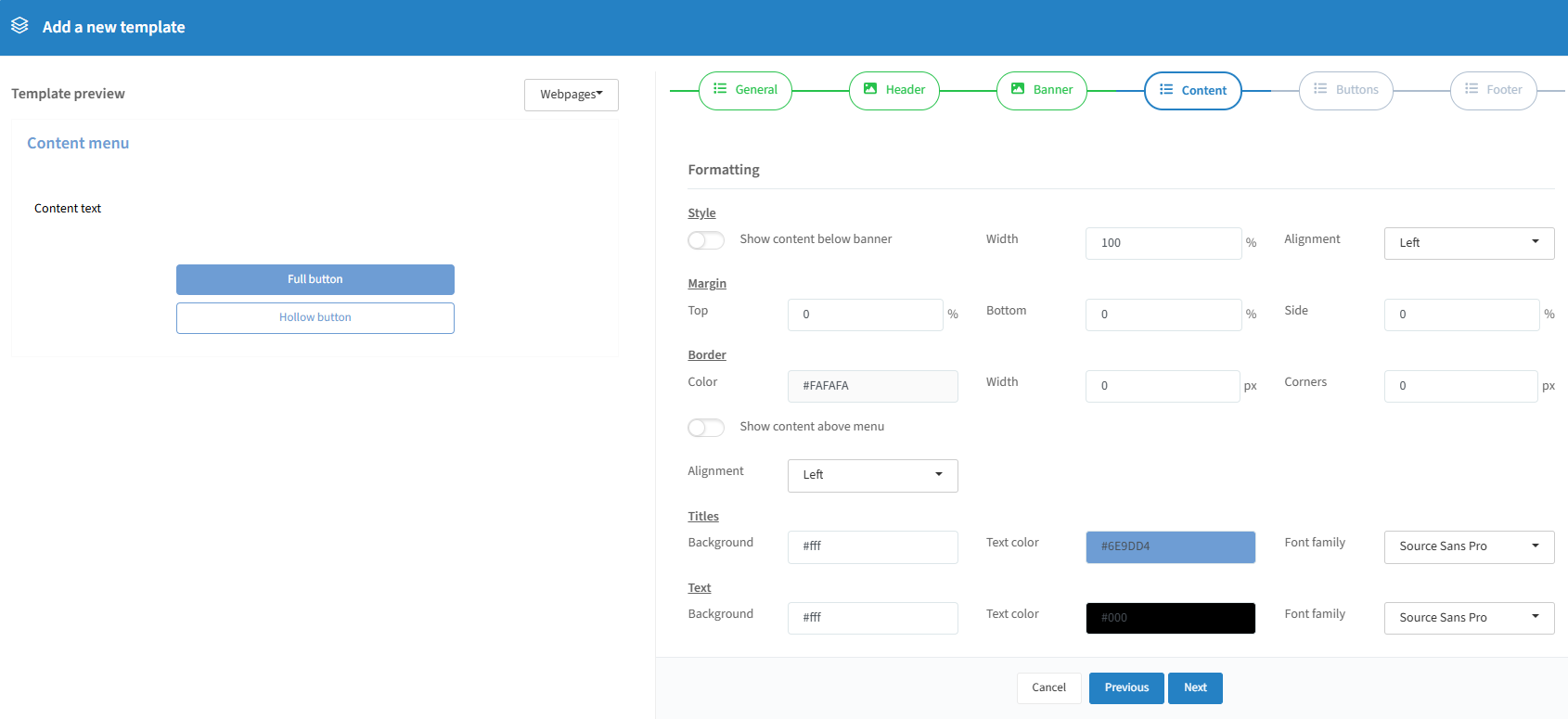
Show content below or in front of the banner, set its width and alignment, add margins, borders, border color/width, and corner roundness. You can also show content above the navigation menu (registration, information, program, etc.) and set the menu's alignment. Choose background/text color and font family for titles and body text.
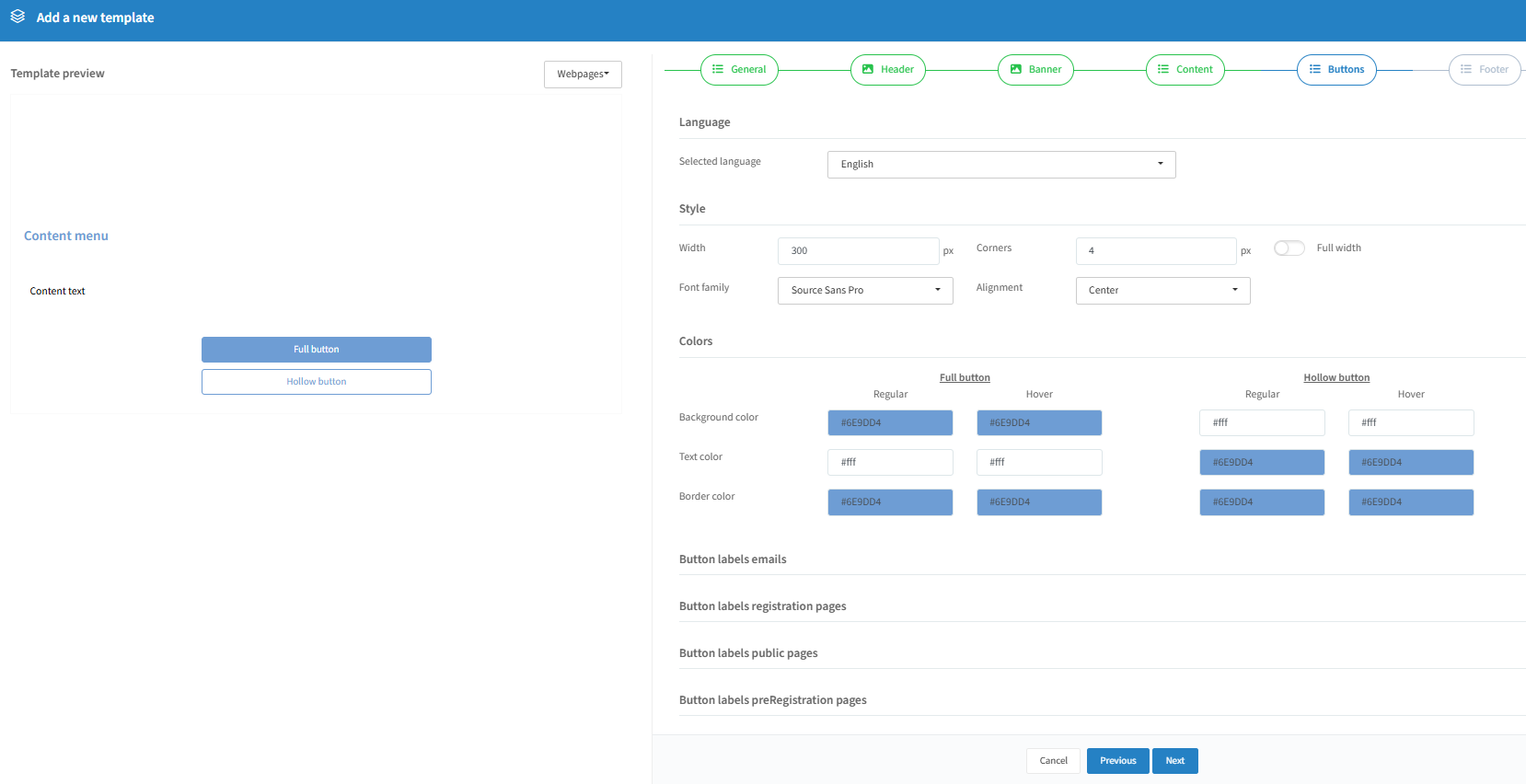
Set a fixed button width or stretch to full width, choose font family, corner roundness, and alignment. Set background/text/border color with a hover color change, and separate designs for full and hollow buttons. Customise button label text per language (applies to all events using this template).
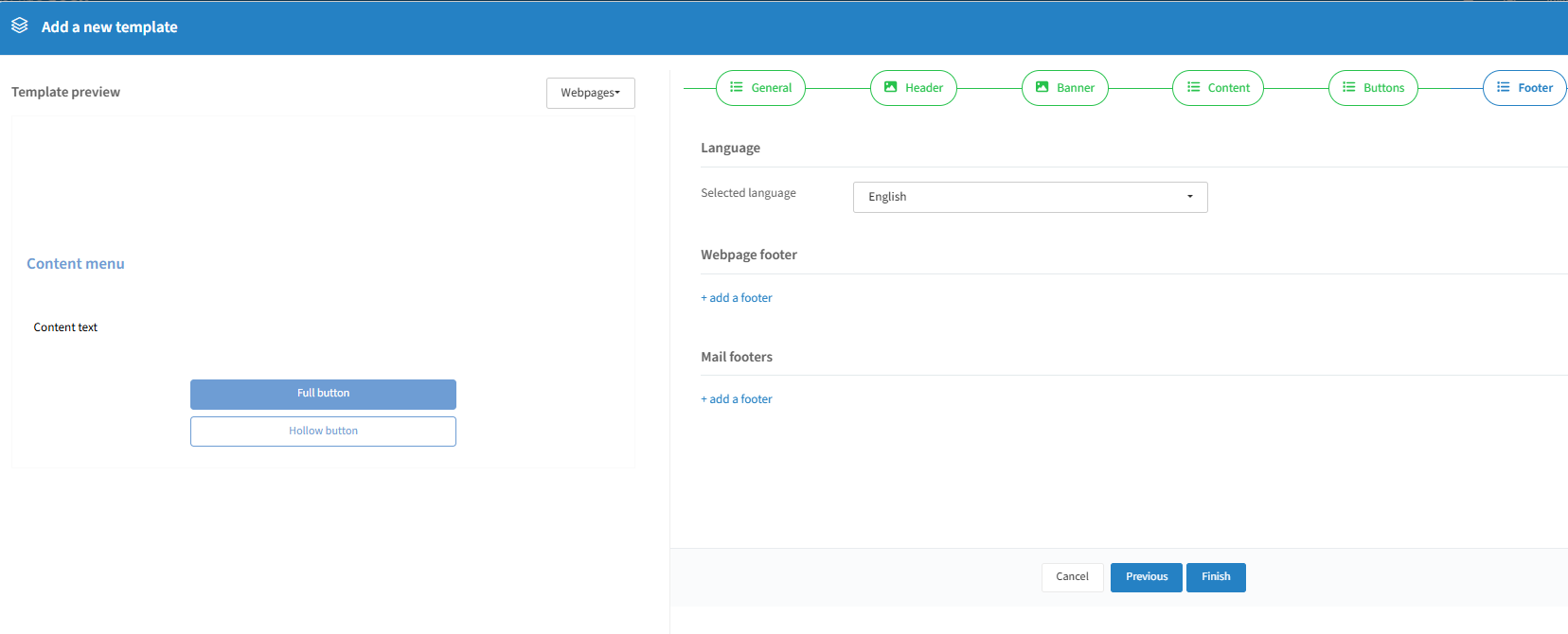
Same as the standard flow — create footers in the Footers tab first, then attach them here.
Click "Finish" to create the template. Tip: create one per language.
Overview & actions

Pencil icon: edit the template.
Trashcan icon: remove it (can't be removed if used by an event).
Star icon: make it your default (used for new events, but overridable per event).
Clone icon: clone the selected template.
Footers
In a design template you can add a different footer for webpages and emails, or the same one for both — but you need to create the footer here first.
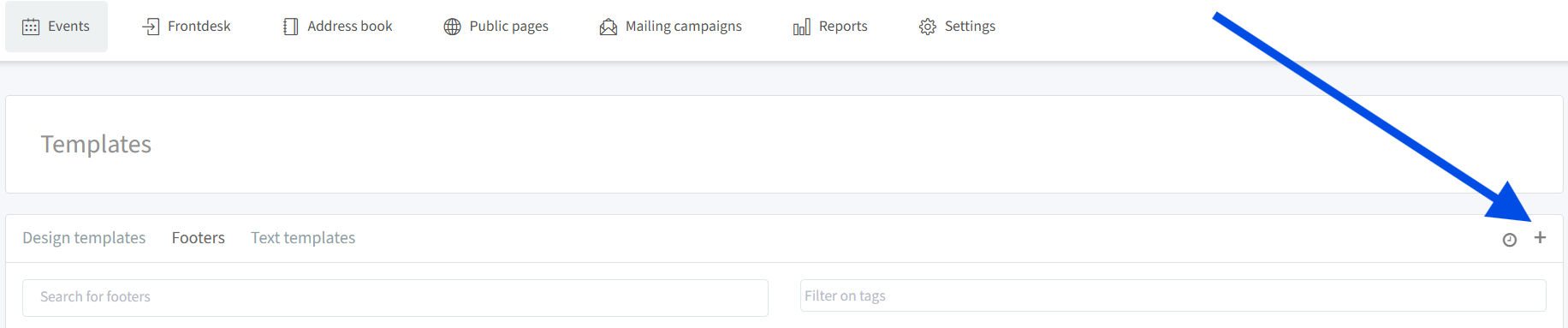
Click the "+" on the right-hand side to create a new one:
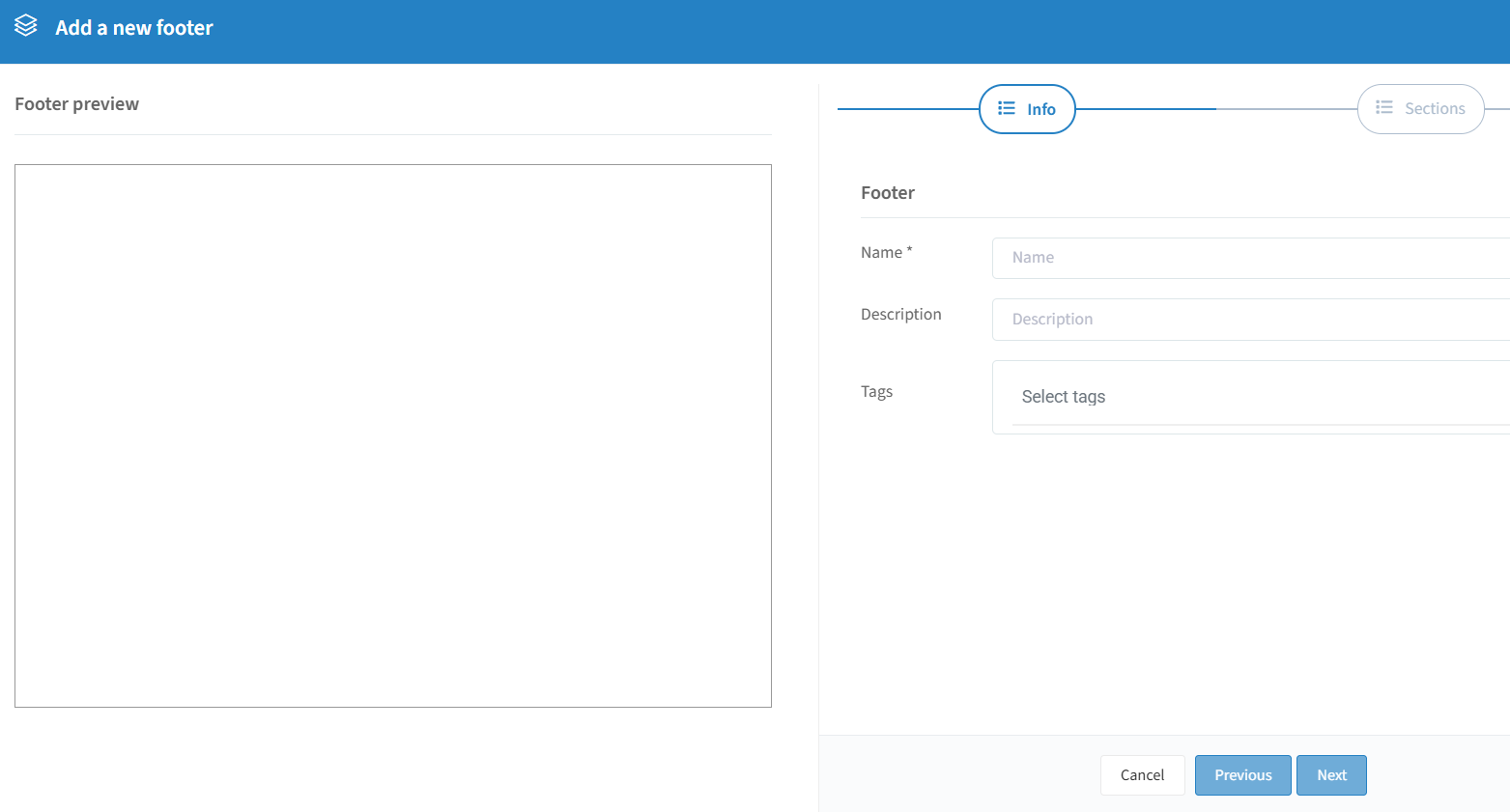
Name is mandatory; description and tags are optional.
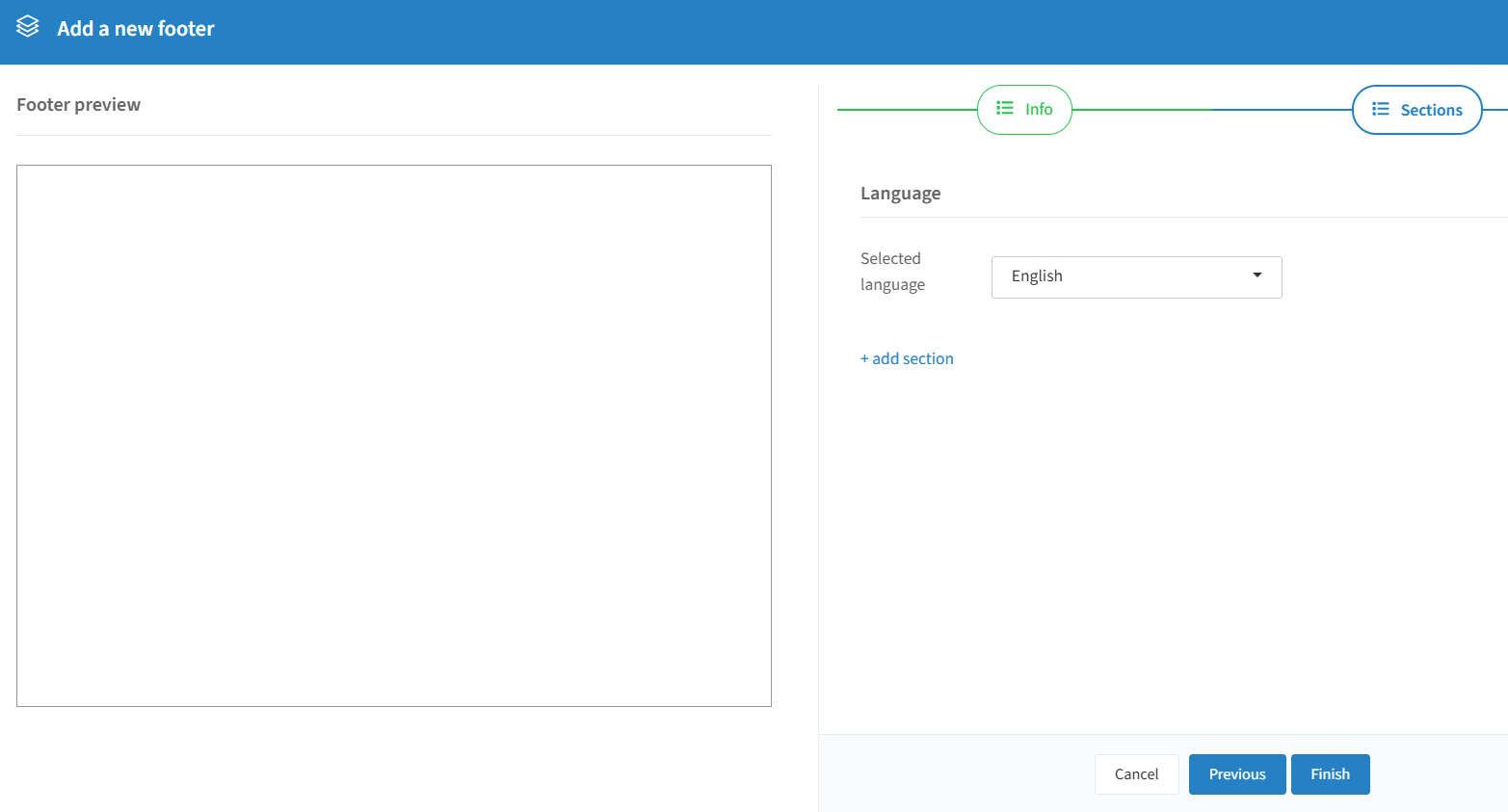
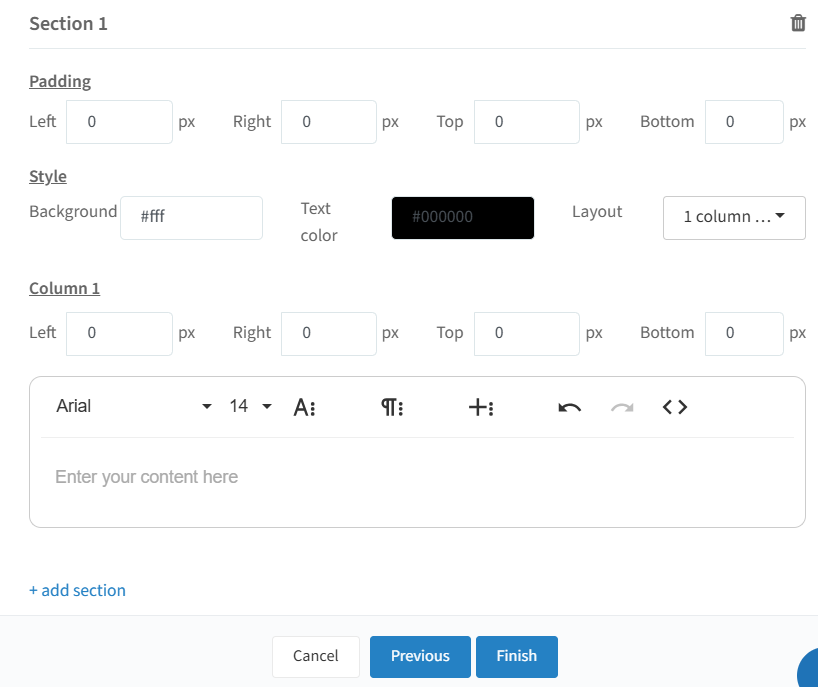
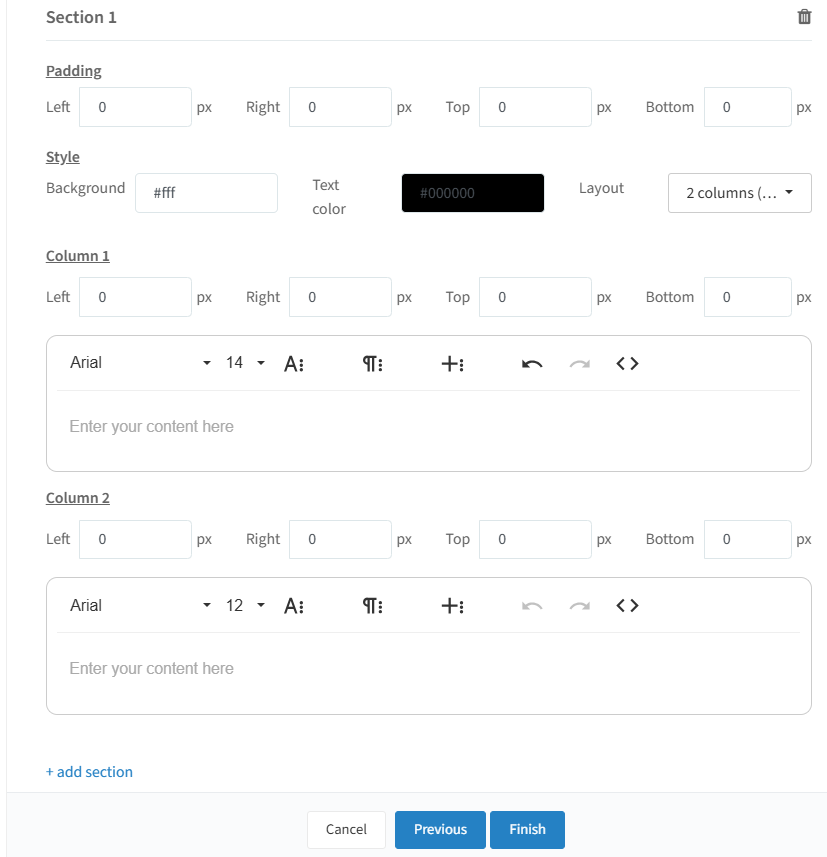
Add multiple sections with different padding, style, and content via "+ add section".
Click "Finish" to save the footer, then attach it to a design template.
Text templates
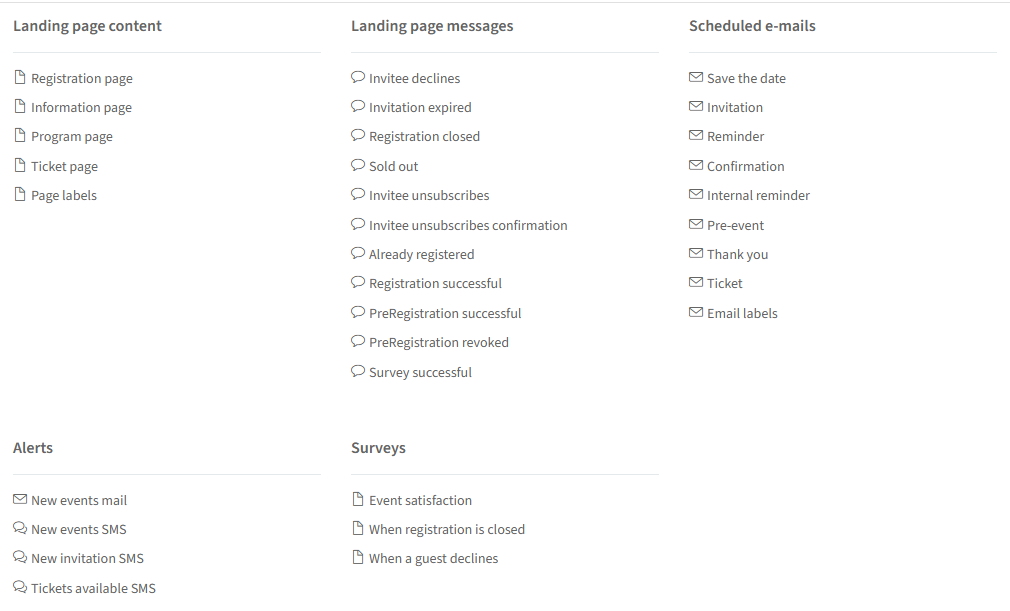
These templates make it easy to create personalised texts for your events, needing only small adjustments. Button labels are changed in Design templates (above), not here.
Landing page content
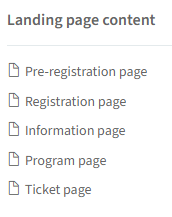
These pre-fill the text for new pages on your events, needing only small adjustments.
Landing page messages
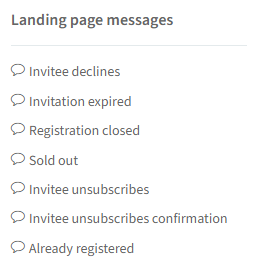
Note: these can't be changed per individual event — changes apply to all events.
Scheduled e-mails templates
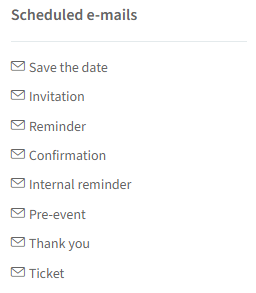
These pre-fill new communication mails for your events, needing only small adjustments.
Alert templates
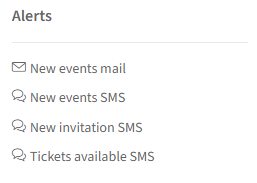
These pre-fill new alerts for your events, needing only small adjustments.
Survey templates
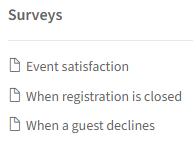
These pre-fill new surveys for your events, needing only small adjustments.