
Tags
By clicking on "Tags", you will see the following:
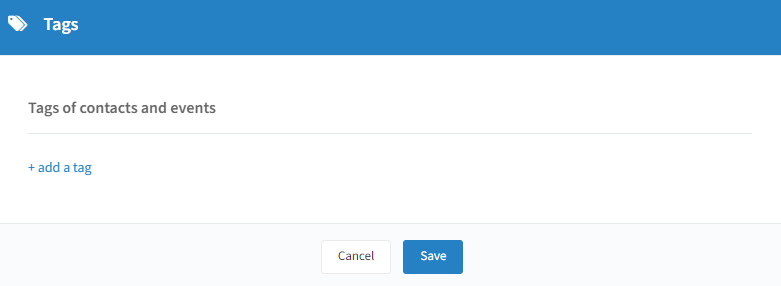
To create a new tag, click on "+ add a tag", give your tag a name, and click "Save".
Tips & usage:
Multilingual support: you can translate your tags into multiple languages; completing the tag in the default fallback language is sufficient.
Use tags in surveys: when creating a survey and selecting the "Tag cloud" question type, you can reuse the tags created here (see "Create a predefined question" on the Library page).
Filter contacts in the address book: tags can be used to quickly find specific groups of contacts (see the Address Book page).
Filter events in the event overview: especially useful when managing many events (see the Events Overview page).