
Clone or Remove an event
On this page:
Clone an event
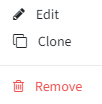
Cloning an event is a very quick way to create a new event from an existing one. If you already have an event for which you want to copy part of the setup, click the 3 dots to the right of the event in the events overview, then click "Clone".
In some browsers, the 3 dots won't be visible at first — zoom in or out to make them appear.
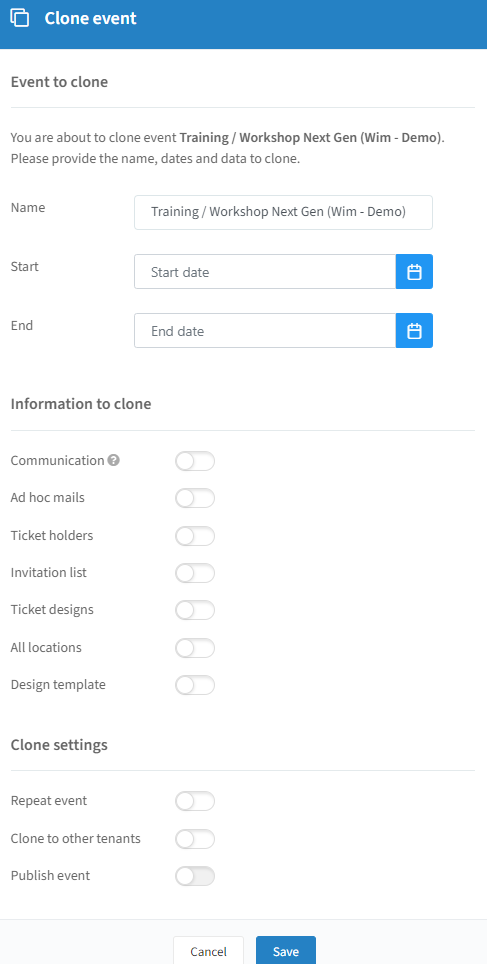
Clone to other tenants appears only if you have access to multiple environments in Invitedesk. In that case, you can clone your event cross-tenant.
Click "Save" to create your event as a draft. If you enable the publish event slider, it will clone and publish immediately.
Remove an event
Click the 3 dots to the right of the event in the events overview, then click "Remove".
You'll be asked to confirm once more. The event then moves to "Deleted events" in the events overview.
In some browsers, the 3 dots won't be visible at first — zoom in or out to make them appear.