
Sender settings
By clicking on "Sender", you determine your default sender settings for your events:
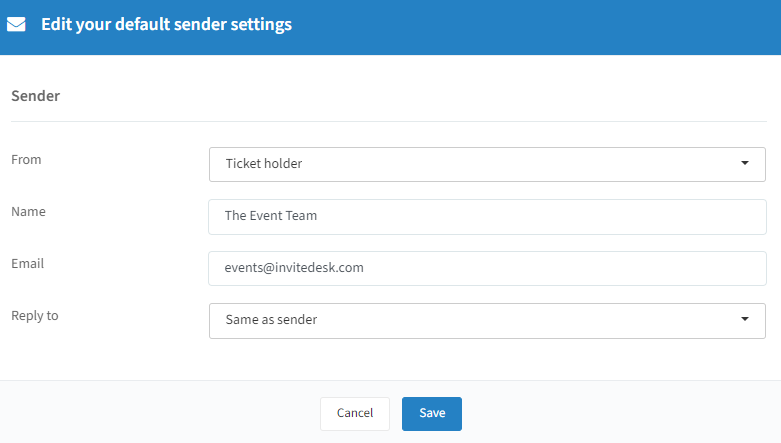
When "Ticketholder" is selected in the "From", your invitees will receive the communication from the users (e.g. their sales representative) set as ticketholder for the event. If some relations are not linked to a ticketholder, they receive the mail from the name and email below "Ticketholder" (see the Ticket holders page).
When "Specific sender" is selected, the mail will always be sent from the name and e-mail address provided here — regardless of whether the contact is linked to a ticketholder.
The "Reply to" is either the same as what you have defined in the "From" settings, or a specific address — when people reply to the mail they received, their mail is sent to that address.
Click on "Save" to keep any changes you have made.
Tips: "Mail Validation" ensures that the invitations will be not only in your chosen name but also from your email domain — contact InviteDesk if this hasn't been set up yet. These default settings can always be adjusted per event: they are pre-filled when you create your event, but changeable if a certain event demands a different approach (see the Communication setup page).