
Reports
Use data to your advantage. You can find Reports on the top bar:

On this page:
Contact report
Besides exporting invitee/attendee lists per event, you can focus on long-term data via the Reports section.
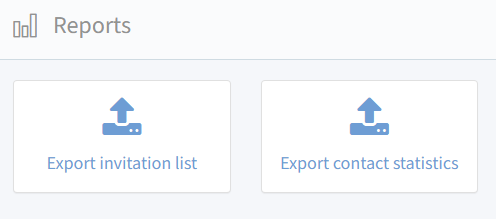
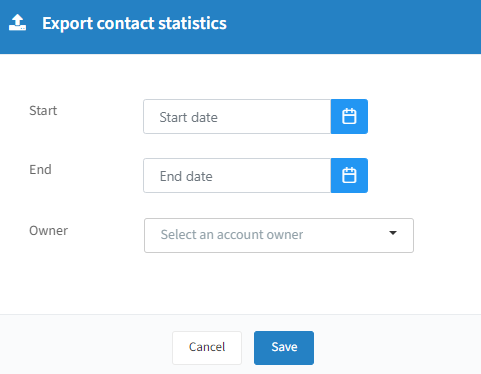
Start / End: optional date range.
Owner: optional account owner filter.
You get an Excel file with (some columns may be empty): First name, Last name, Company, Email, CRM ID, Account owner, Invitations, Confirmed, Declined, Expired, Checked in, No show, Total costs.
Extended reporting (platinum feature)
With platinum access you get a more detailed overview and can select which data to export.

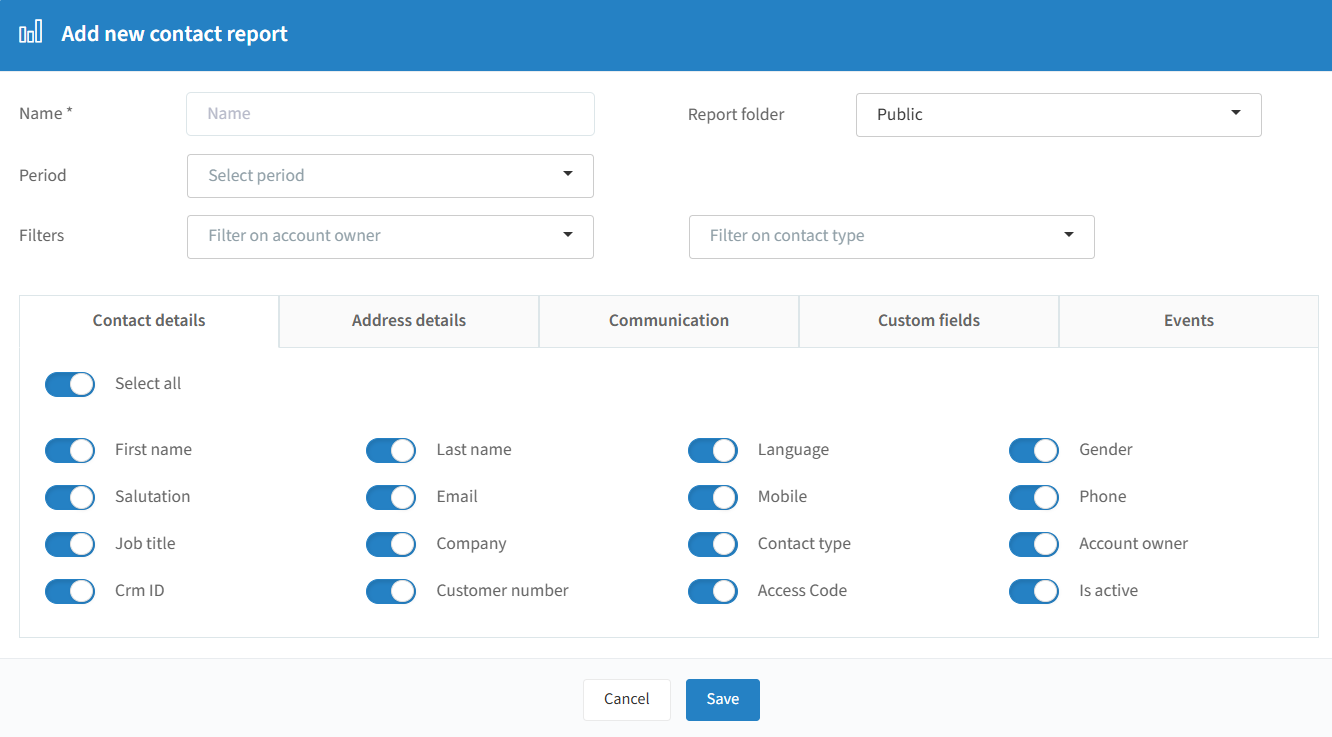
Name: name your report.
Report folder: public (all users) or private (only you).
Period: the data range to export.
Filters: optional filter on account owner and/or contact type (business relations or employees).
Select the data to include via the sliders and click "Save". The resulting Excel file can include:
Contact details: First name, Last name, Language, Gender, Salutation, Email, Mobile, Phone, Job title, Company, Contact type, Account owner, CRM ID, Customer number, Access code, Is active.
Address details: Addressline 1, Addressline 2, City, ZIP, Country.
Communication: Event permission, Mailing campaign permission, SMS permission.
Custom fields: any contact custom fields you've created.
Events: Invitations, Confirmed, Declined, Canceled, Expired, Checked in, No show, Total costs.
Invitation report
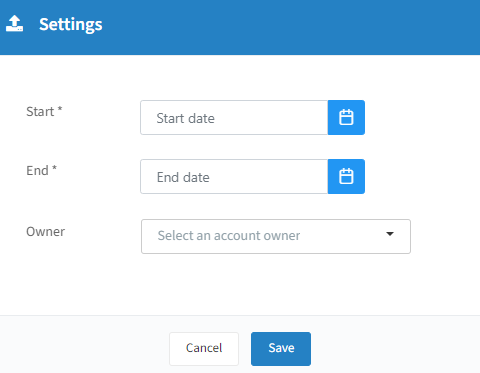
Start / End: date range.
Owner: optional account owner filter.
You get an Excel file with (some columns may be empty): Ranking, Event, Cost, Name, Email, Job title, Company, Ticketholder, Account owner, Maximum guests, Guests, Status invitation, Status attendee, Mail status, Venue name, Venue start date, Invitation date, RSVP date, Confirmation date, Declination date.
Extended reporting (platinum feature)

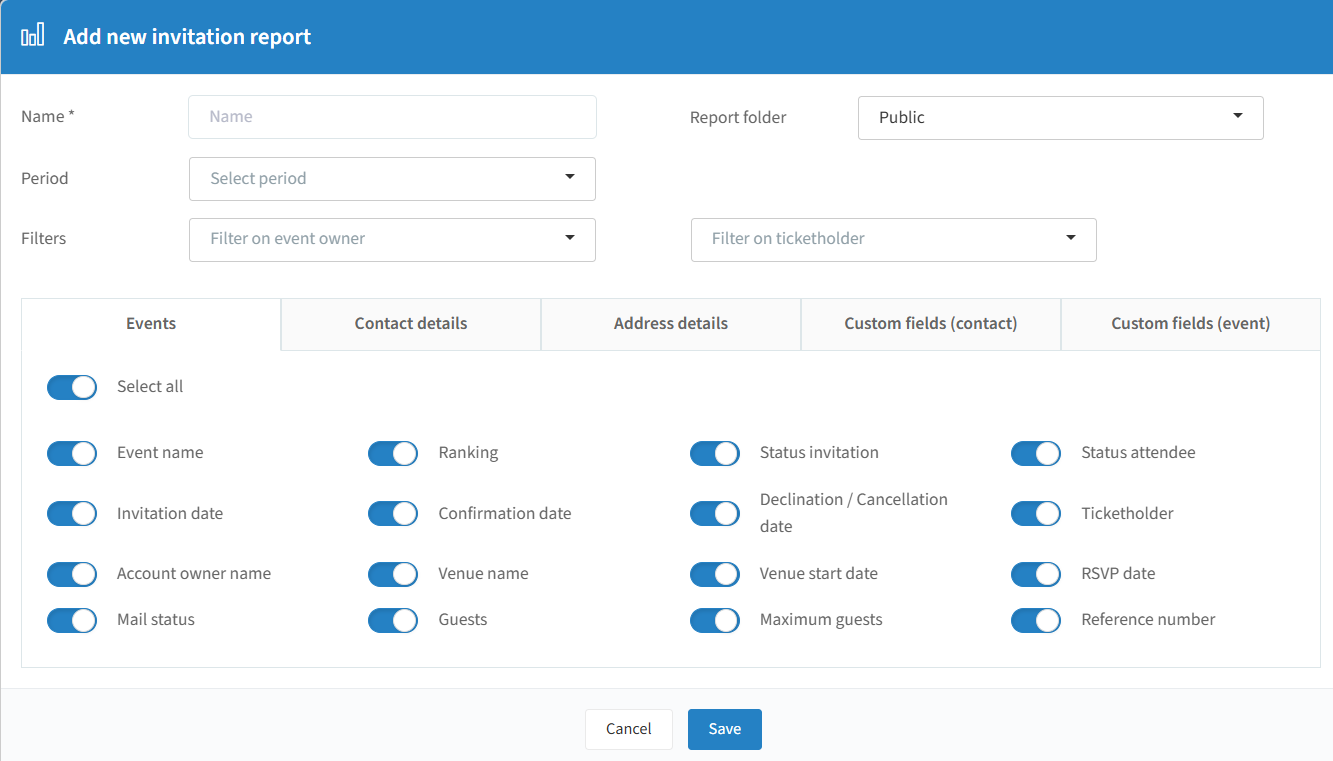
Name: name your report.
Report folder: public or private.
Period: optional date range.
Filters: optional filter on event owner and/or ticketholder.
Select the data to include and click "Save". The resulting Excel file can include:
Events: Event name, Ranking, Status invitation, Status attendee, Invitation date, Confirmation date, Declination/cancellation date, Ticketholder, Account owner name, Venue name, Venue start date, RSVP date, Mail status, Guests, Maximum guests, Reference number.
Contact details: First name, Last name, Language, Gender, Salutation, Email, Mobile, Phone, Job title, Company, Contact type, Account owner, CRM ID, Customer number, Access code, Is active.
Address details: Addressline 1, Addressline 2, City, ZIP, Country.
Custom fields (contact) and Custom fields (event): any custom fields you've created.
File Center
Besides invitee/attendee list exports, you can also export registration details, mail statistics, interactions, UTM statistics, and more.
When you export data, an Excel file is created and saved in the File Center. A first pop-up alerts you that the export request is processing, and a second alerts you when the file is ready.


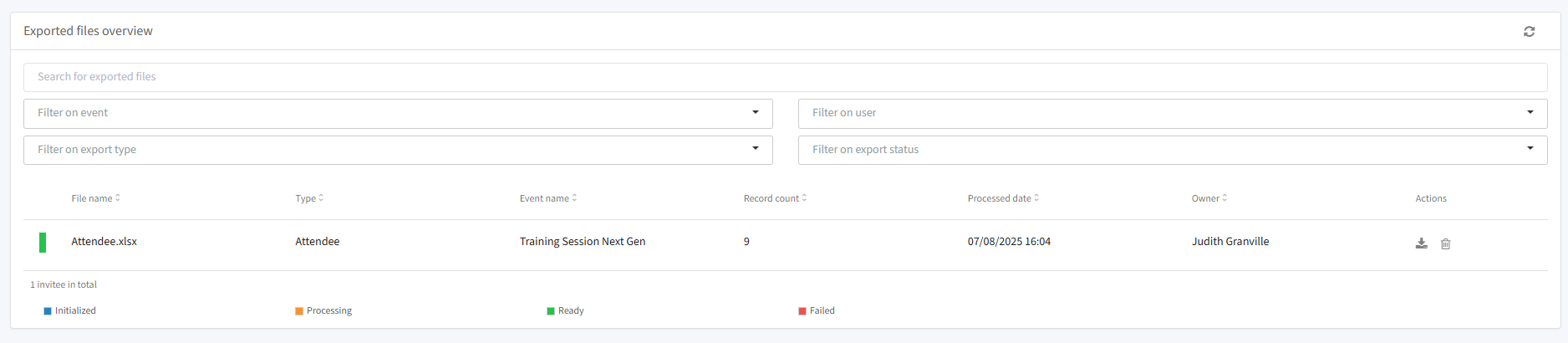
Whether a user can only view/access their own exported files or all users' files depends on their user rights profile. Administrators always have access to all exported files from all users.
Important: when an event is archived or deleted, its related files are automatically deleted from the File Center too. Download files you need in time to avoid losing data.