
Custom event fields
(Paid feature) You can use custom event fields when creating your event in the Information section. Think of these fields like categories or tags that help you organize and find events more easily, especially if you have a large number of them. Later on, you will be able to filter events in the Event Overview based on these fields, and create reports that include these fields.
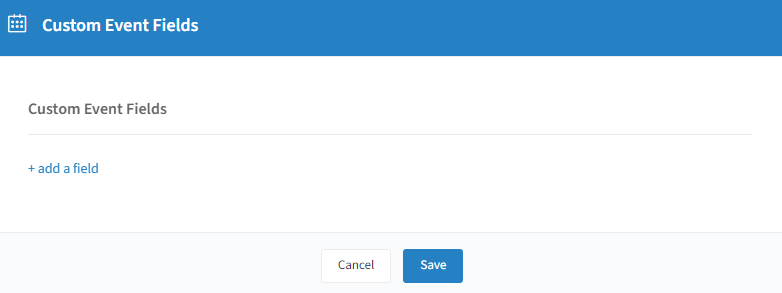
To create a new custom event field, click on "+ add a field":
Give your field a name.
Field type: Free Text, Single select list, Multiple select list, or Boolean.
Format: Text, Number, Date, or Time.
You can activate a slider to optionally make this custom event field mandatory when creating a new event.
Click on "Save" to keep any changes you have made. Tip: you can translate your fields for every language; completing the default backup language is enough.