
Mail tracking
With the mail tracking settings, you determine whether InviteDesk records opens and link clicks for the emails you send. You can find these settings under "My company", in the General settings:
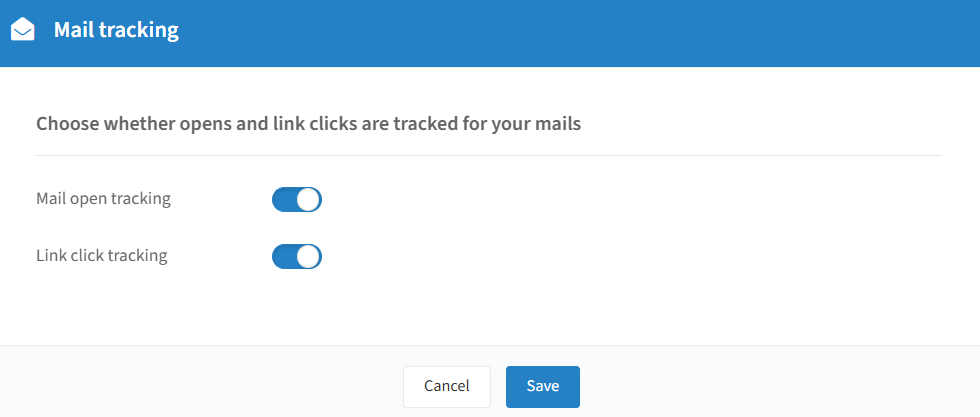
Mail open tracking
When enabled, InviteDesk records when a recipient opens your email. It does this with a tiny invisible image in the mail: when the recipient's email client loads that image, the open is registered.
Info
Note: open tracking is not fully reliable. If the recipient's email client blocks images, an open may be missed. If their privacy settings pre-load images, an open may be counted even though the person didn't actually read the mail.
Link click tracking
When enabled, InviteDesk records when a recipient clicks a link in your email. Links are routed through an InviteDesk tracking address before redirecting to the real destination, so the click is registered.
If you disable link click tracking, links point directly to their destination and clicks are no longer recorded.
Turning tracking off
Turning either setting off means you get less or no data on opens and clicks in the mail statistics. Some customers switch tracking off for privacy or compliance reasons.
Click on "Save" to keep any changes you have made.